“Just sync the invoices from Sage into the CRM.” That’s how the project brief starts. Six weeks later you’re deep in French accounting tables, arguing about rounding, and learning what lettrage means.
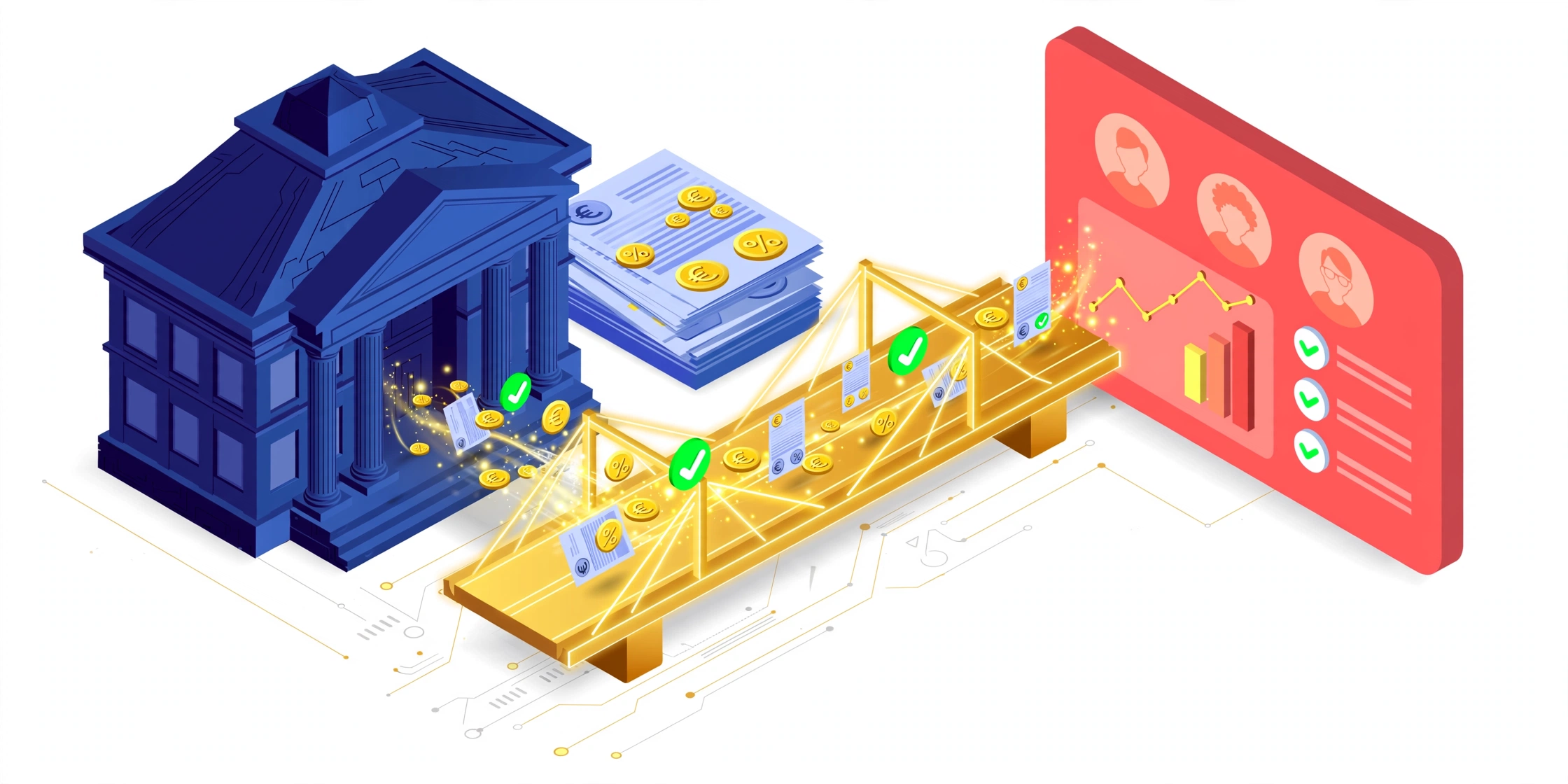
We recently built exactly this integration — Sage 100 on-premises talking to VTiger CRM, with sales orders flowing one way and invoices flowing back. This post is the architecture we landed on and the mistakes it was designed around. If you’re connecting Sage 100 to any CRM, most of it transfers directly.
Rule One: The ERP Owns the Money
The single most important design decision, and the one to fight for in the kickoff meeting: Sage 100 is the only system allowed to calculate tax and totals.
Sage holds the company’s fiscal configuration — tax codes, rates, rounding rules. The moment your CRM “helpfully” recalculates VAT on a synced invoice, you have two systems disagreeing about money, and the CRM loses that argument with the accountant every time.
So the CRM becomes a mirror:
- Invoices sync into the CRM read-only — net (HT), tax (TVA), and gross (TTC) per line and in totals, exactly as Sage produced them.
- Corrections never happen in the CRM. They happen in Sage, then re-sync and overwrite by the Sage document ID.
- If the CRM has its own computed total columns, mark them non-authoritative and keep them out of reports.
Sales can create quotes and sales orders in the CRM — that’s commercial data. The moment a document becomes an invoice, it belongs to the ERP.
The Flow That Works
CRM (Sales Order created by sales)
   → pushed to Sage 100 (items, quantities, prices, customer)
   → Sage creates the invoice, computes VAT, posts it
   → invoice exported back to the CRM with full tax breakdown
   → CRM upserts it as read-only
The upsert key matters. Don’t match on the human-readable invoice number alone — use a technical ID derived from Sage’s document identity (in Sage 100 terms, the combination of document domain, type, and piece number). Human references change; composite keys don’t.
Multi-rate VAT is where naive integrations die. A single invoice can carry 20% on services and 5.5% on books. Sync a per-line tax code, rate, base, and amount, plus a header-level tax summary per rate — not one blended rate. Your accountant will check, and “approximately right” VAT is a fully wrong integration.
Payment Status: Lettrage or Lies
“Has this invoice been paid?” seems like a flag on the invoice. In Sage 100, it isn’t — and building on invoice flags or raw payment rows gives you wrong balances.
The truth lives in lettrage (lettering/matching): the accounting linkage that allocates payments to invoices. A payment that exists but isn’t lettered against an invoice does not settle it.
The reliable approach:
- Discover the lettering link. Search the schema (
INFORMATION_SCHEMA.TABLES WHERE TABLE_NAME LIKE '%LETT%') for the lettrage table and identify its invoice reference, payment reference, allocated amount, and date columns. - Fallback if there’s no explicit lettrage table: the invoice–payment junction (
F_DOCREGLjoined to the payment tableF_CREGLEMENTon the payment ID). In many Sage setups, an allocation row there is the lettering. - Aggregate per invoice: sum allocated amounts, take the latest allocation date.
- Derive status:
CASE
  WHEN ISNULL(a.PaidAmount, 0) <= 0               THEN 'Unpaid'
  WHEN ISNULL(a.PaidAmount, 0) <  i.InvoiceTotal  THEN 'Partially Paid'
  ELSE 'Paid'
END
Wrap it in a view keyed by invoice number and let the CRM pull from that. Add the boring-but-essential guards: cap balances at zero on overpayment, decide explicitly how credit notes net out, and exclude voided documents. Then schedule a daily data-quality check — invoices paid above 100%, payments with no allocation, allocations pointing at unknown invoice numbers. These three queries have caught real bookkeeping issues, not just sync bugs.
In the CRM, payment status lands as custom fields on the invoice: paid_amount, balance_due, last_payment_date, and a payment_status picklist. Update them only when the underlying allocation actually changes.
Sync Strategy: Watermarks, Not Full Reloads
Full syncs work until the invoice table grows. What scales:
- Watermark on the allocation/lettering date (for payment status) and on document modification (for invoice content).
- Each run pulls only rows touched since the last watermark, plus a safety window of a day — late-arriving postings are normal in accounting.
- Upsert by the technical ID, never insert-blind. Replays must be harmless; accounting systems resend things.
- Index the junction tables on the columns you join and filter on (
DO_TYPE, DO_PIECE, the payment link columns). A missing index on a junction table is how a nightly sync becomes a 40-minute table scan.
What We’d Tell Anyone Starting This
- Agree on the source of truth per field before writing code. Tax and totals: Sage. Commercial pipeline: CRM. Payment status: lettrage. Write it down; it settles every later argument.
- Test with nasty invoices, not clean ones. Multi-rate VAT, partial payments, credit notes, document-level discounts, zero-rated lines. Ten ugly test documents will find more bugs than a hundred tidy ones.
- Lock financial fields in the CRM UI. Read-only means read-only — an editable invoice total in the CRM will eventually be edited, and now you have a reconciliation incident.
- Budget for the environment, not just the code. On-prem Sage integrations die on IIS misconfiguration, antivirus quarantining the web service admin console, and endpoints returning 404 through one proxy layer while “succeeding” through another. Verify the API surface end-to-end before estimating anything.
A CRM–ERP integration done right is invisible: sales sees paid/unpaid status without asking accounting, accounting never hears “the CRM says something different,” and invoices match to the cent. Done wrong, it’s a monthly reconciliation ritual and a slow erosion of trust in both systems.
This kind of systems integration — ERP, CRM, accounting, and the plumbing between them — is core to our CRM consulting & integration work and our broader automation practice. If you’re staring at a Sage 100 database and a CRM that don’t talk to each other, book a call. We’ve already made the mistakes, so you don’t have to.