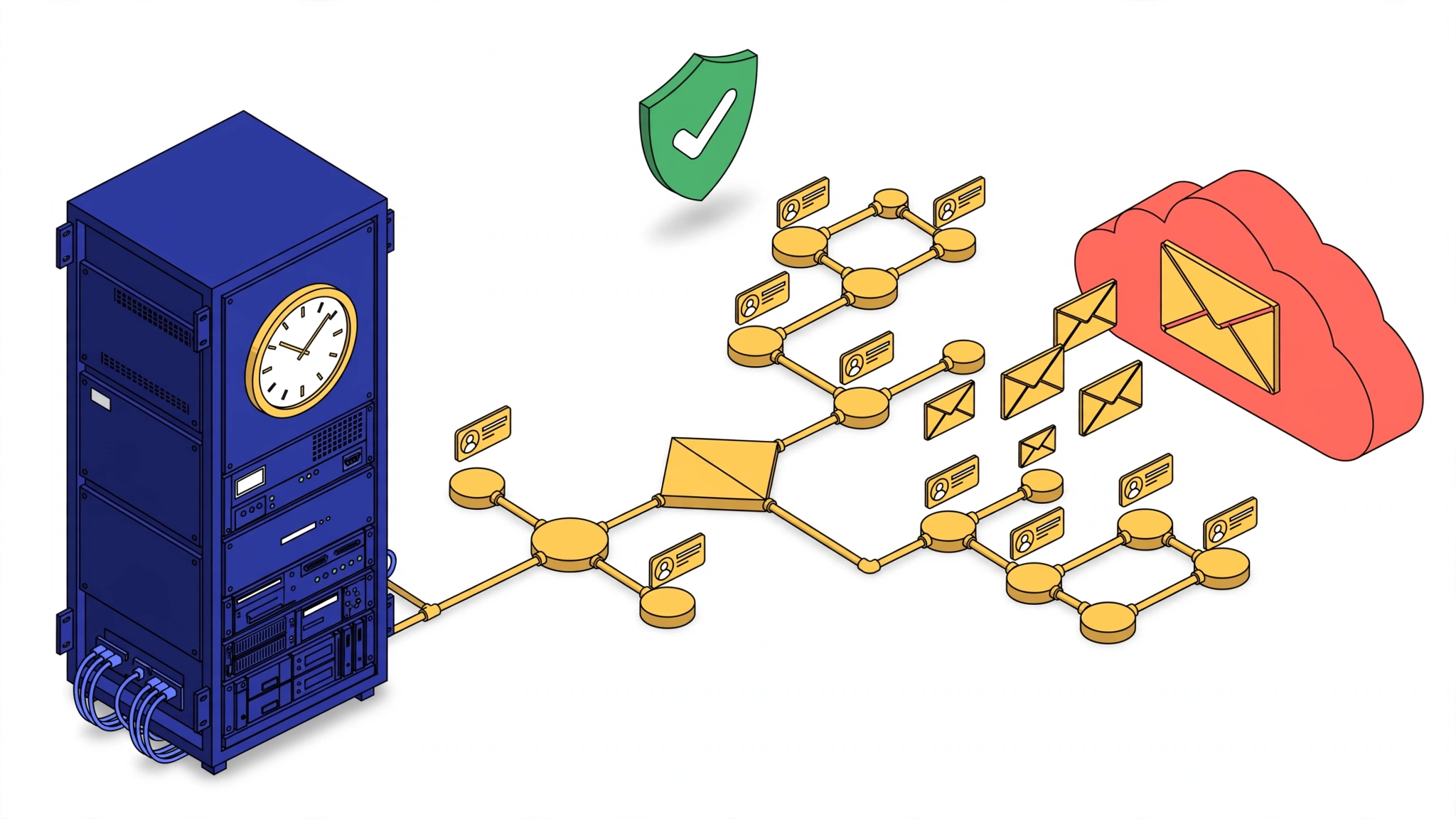
Mautic is the best deal in marketing automation: the full feature set of platforms that charge four figures a month, free and self-hosted. The catch is in the second word. Self-hosted means the 2AM emergency is yours.
We run and maintain self-hosted Mautic instances for multiple clients — fresh installs, Docker deployments, and rescues of instances that were “working fine until they weren’t.” This is the checklist we wish someone had handed us before the first time a campaign silently stopped sending.
Installation: Boring on Purpose
A Mautic install that survives production is unglamorous:
- Check the PHP version against Mautic’s actual requirements, not the ones you remember. Requirements shift between major versions, and a mismatch shows up later as bizarre behavior, not a clean error.
- Install with Composer (
composer install --no-dev), with Node.js available for asset builds — via nvm, and make sure the user running Composer can actually reach the binaries. “Works in my shell, fails under sudo” is a classic. - One Apache/Nginx vhost per instance,
AllowOverride Allfor Mautic’s.htaccess, rewrite module enabled, and a Certbot SSL certificate from day one. Retrofitting SSL onto a Mautic instance that already has campaigns pointing athttp://links is pain you can skip. - Permissions set deliberately: files 644, directories 755, owned by the web server user, with group write on
var/cache,var/logs,media/, andapp/config. Most “Error 500 after update” reports are permissions.
If you’re containerizing, Docker Compose works well — but the cron and backup sections below still apply. Containers don’t exempt you from operations.
Cron: Where Self-Hosted Mautic Actually Lives or Dies
Mautic without correctly configured cron jobs is a contact database with a nice UI. Segments don’t update, campaigns don’t trigger, emails don’t send. The three jobs that matter:
* * * * * php /var/www/html/bin/console mautic:segments:update
*/2 * * * php /var/www/html/bin/console mautic:campaigns:trigger
*/5 * * * php /var/www/html/bin/console mautic:broadcasts:send
Two lessons learned the hard way:
Stagger the timing. If every job fires on the same minute, they overlap, lock tables, and eventually a stuck job blocks the queue. Offset them — and if a campaign must trigger quickly after a form submission, tighten campaigns:trigger to every minute rather than cranking everything.
Run them from /etc/crontab with an explicit user (www-data), not a user’s personal crontab -e. We’ve debugged “cron just stopped” cases that turned out to be jobs running as the wrong user, silently failing on file permissions. Verify with grep CRON /var/log/syslog and test manually with sudo -u www-data php bin/console ... before trusting the schedule.
The Mautic 4 → 5 Queue Trap
This one deserves its own section because it breaks real campaigns.
In Mautic 4, mautic:emails:send handled broadcast sending. In Mautic 5, that command is gone — email sending moved to Symfony Messenger queues. Every cron guide written before 2024 (which is most of them) tells you to schedule a command that no longer exists.
The consequences are nasty: emails appear to send “immediately” instead of queuing, which works at low volume and falls over exactly when a real campaign goes out. The fix:
- Configure the Messenger transport (Doctrine/database is fine for most installs; Redis or RabbitMQ if volume demands it).
- Run the worker:
php bin/console messenger:consume email— supervised, so it restarts on failure.systemdorsupervisord, not a cron job that starts a second consumer every minute. - Remove the dead
mautic:emails:sendentries from cron so nobody “fixes” them later.
If you migrated from Mautic 4 and emails behave strangely, this is the first thing to check.
The Maintenance Loop That Keeps Instances Alive
Self-hosted software fails silently before it fails loudly. Our standing routine for every Mautic instance we manage:
- Logs, weekly:
tail -f /var/www/html/var/logs/*while clicking through admin. Mautic logs real problems here days before users notice symptoms. - Cache discipline: after updates, config changes, or anything weird —
php bin/console cache:clear. A stale cache causes a remarkable percentage of “Mautic is broken” tickets, including import stalls and dead webform previews. - SSL expiry monitoring: an expired certificate doesn’t just show a browser warning — it breaks tracking pixels and form embeds on every site that uses them, quietly.
- Cron health reporting: a small scheduled script that emails a daily summary of failures. When cron dies at 2AM, you want to know at 2:05, not when a client asks why their campaign didn’t send.
- Email stats sanity checks: if open/click numbers look off, check the tracking pixel domain and the unsubscribe link handling before blaming deliverability. Theme overrides (
themes/.../html/message.html.twig) can quietly replace the system message template and break unsubscribe links with a 500.
Backups: Tested or Fiction
Our backup stack for Mautic instances is simple and, more importantly, restored-from regularly:
- Nightly database dump via
mysqldump, timestamped and rotated. - Nightly file backup of the whole Mautic directory — we run rclone in a Docker container on a cron to push an encrypted archive to Google Drive. Any off-server target works; the point is off-server.
- Before every update or config change: a manual
cp -a html html.YYYYMMDDplus a fresh dump. Five seconds, and it has saved us more than once.
The restore drill matters as much as the backup: pull the archive, unzip to a scratch directory, import the dump into a scratch database, reset permissions, and confirm the instance boots. A backup you’ve never restored is a hope, not a plan.
The Short Version
| Failure we’ve cleaned up | Root cause | Prevention |
|---|---|---|
| Campaigns not triggering | Cron running as wrong user / overlapping jobs | /etc/crontab with explicit user, staggered timing |
| Emails send immediately, then collapse at volume | Mautic 5 migration, old send command removed | Messenger queue + supervised worker |
| Error 500 on forms/imports | Stale cache or permissions after update | cache:clear + permission reset in the update SOP |
| Tracking suddenly dead everywhere | Expired SSL certificate | Expiry monitoring with alerts |
| ”The update broke everything” | No pre-update backup | Copy + dump before every change |
None of this is exotic. It’s the unglamorous operations layer that decides whether self-hosted Mautic is a money-saving asset or a recurring emergency.
Running Mautic — or thinking about it — and don’t want to own the 2AM pager? Managed hosting and maintenance of marketing automation and CRM stacks is part of our DevOps & infrastructure services, and we handle the CRM side through our CRM consulting practice. Book a call — we’ll tell you honestly whether self-hosting makes sense for your volume, or whether you’re better off paying the SaaS bill.